how? i2s audio input on a notebook
how? i2s audio input on a notebook
I justed stumbled over the question how I could get an i2s audio signal (1.8V) into my notebook.
I looked for some usb sound device offering such an input and didn't find a (cheap) solution.
It seems that it would technically be possible using an esp32 or some sbc like rock64 or raspberry pi to receive the data and send it out by wifi or bluetooth. But I'm not a programmer and didn't find a project I could build on.
I fear I overlooked some simple and cheap solution. Did I?
 Chris Vogel shared 3 years ago
and we are live!! you can back the MNT Pocket Reform (open hardware 7" mini laptop) campaign now: https://www.crowdsupply.com/mnt/pocket-reform
and we are very thankful for spreading the word!

Encryption is broken, because we do not separate the communication channel from the encryption device.
An interesting viewpoint and argument in this comment to an also interesting article by Ross Anderson.
https://www.lightbluetouchpaper.org/2022/10/13/chatcontrol-or-child-protection/#comment-2425357
#cloudflare does blocking me from loading a #kickstarter page because they have the impression that my browser might be to old to handle it. I just updated #firefox a few days ago to the at time of writing official version.
Yes, cloudflare might not be able to see the correct version because of settings making it harder to track my firefox, but should they care?
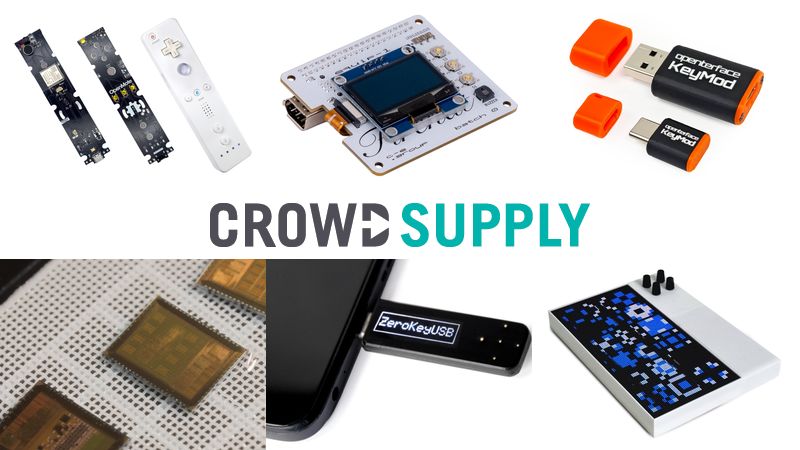
From every bad there comes something good: I had lost track of μArt and usb-serial-adapter and had searched for it. Using the name of the kickstarter product I couldn't access on kickstarter.com I searched crowdsupply and found the adapter I had remembered  .
.
In the end cloudflare protected me from buying the wrong product, because they thought my browser is to old.
 Chris Vogel shared 3 years ago
@me as soon as chips are available to the public, anyone with KiCAD experience could whip up a module with the chip for Reform. we currently can't do it because in our experience the number of people who want to make performance sacrifices is quite small, not enough for us to survive on.
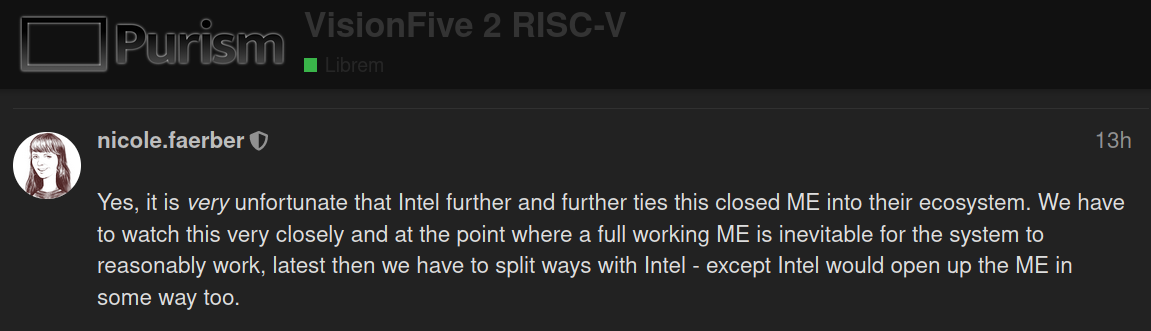
The discussion about #RiscV and the #VisionFive 2 on the Purism Forum is really interesting.
There are people who would prefer #Openness over #Performance and #Convenience (I'm counting me in - otherwise I wouldn't use a #PinePhone and a #Librem5).
I feel like a VisionFive 2, with open source drivers, firmware and software would be good enough for me. (iliketurtles)
I immediately had to think about the MNT Reform and their research in Risc-V.
Maybe they would be willing to evaluate putting an existing SOC like the StarFive StarFive JH7110 onto a CPU board for the MNT Reform to offer an alternative to the pricy MNT RKX7 FPGA Module.
If you are interested in #FLOSS and #OpenHardware you should read this article written by @nicolef@mastodon.social Nicole Faerber.
She jots down here insight on the industry and its history in just an answer to a discussion.
A great article by itself!

 Chris Vogel shared 3 years ago
Some notes on what I really like about Alpine and its package manager, apk:
https://whynothugo.nl/journal/2023/02/18/in-praise-of-alpine-and-apk/

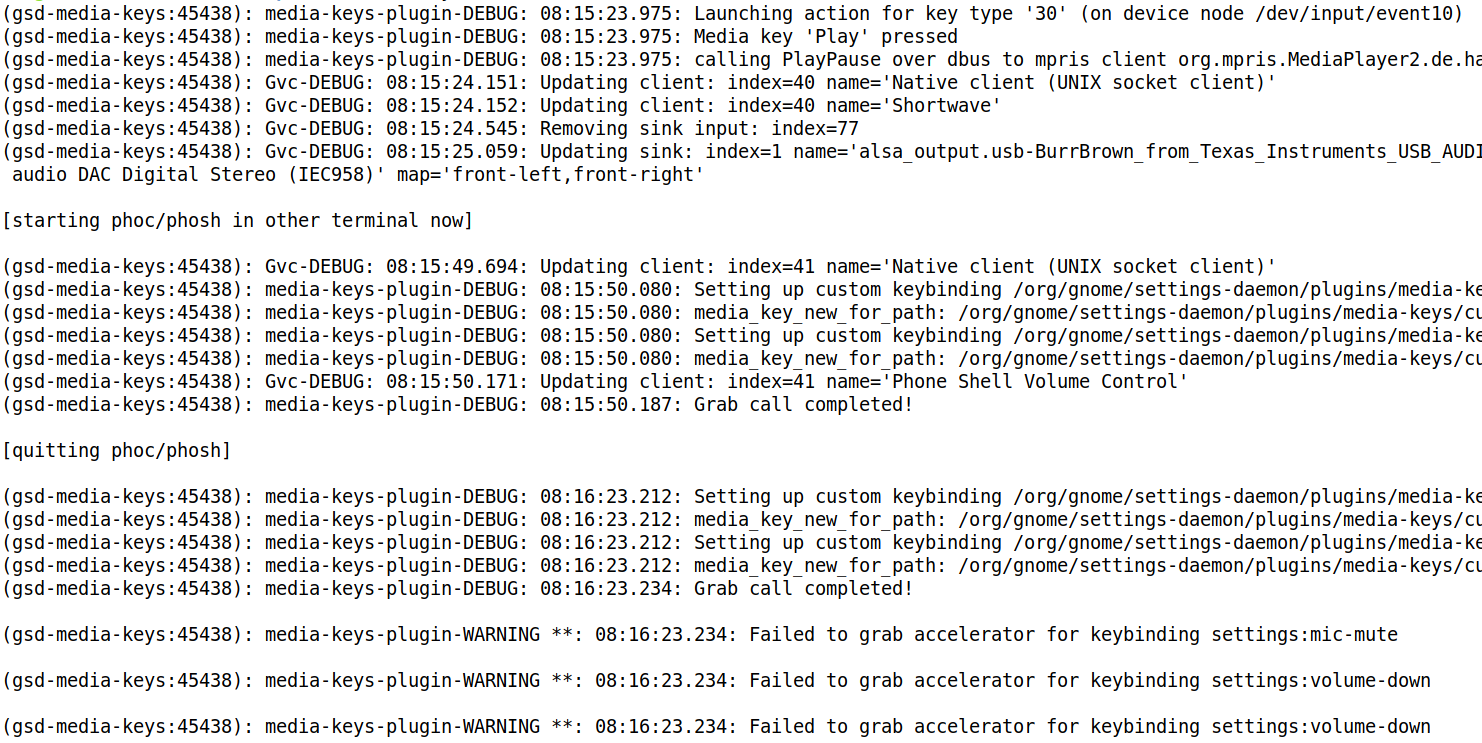
After playing around with phoc/phosh on my notebook I found that the media-keys in gnome didn't work anymore after closing #phoc and #phosh.
Later on I wasn't able to suspend my #Librem14 running #PureOS #Byzantium with #Gnome (3.38.5) on #Wayland by hitting Fn-Esc.
It turned out that the gsd-media-keys¹ daemon got confused over phosh grabbing and releasing the controls.
Stopping the daemon via killall gsd-media-keys and re-starting it using systemctl start org.gnome.SettingsDaemon.MediaKeys.target or executing /usr/libexec/gsd-media-keys &, disown %1 restored the functioning of the hotkeys.
Didn't file an issue, yet, because I don't know if this is reproducible in newer versions of Gnome. @agx@social.librem.one, maybe it'd be nice to add some information to the article in case people wonder why there hotkeys do not work after following those instructions?
¹this is the only documentation I found describing in short what the daemon does - any hints to newer official sources are welcome

 Chris Vogel shared 3 years ago
A short introduction on how to use your desktop system for #MobileLinux development using a nested #phosh session (and without having to compile anything):
https://phosh.mobi/posts/phosh-dev-part-0/
This is planned to have follow up parts, let's see how this works out.
Which processes use Xwayland?
xlsclientslsof -E -aUc Xwayland
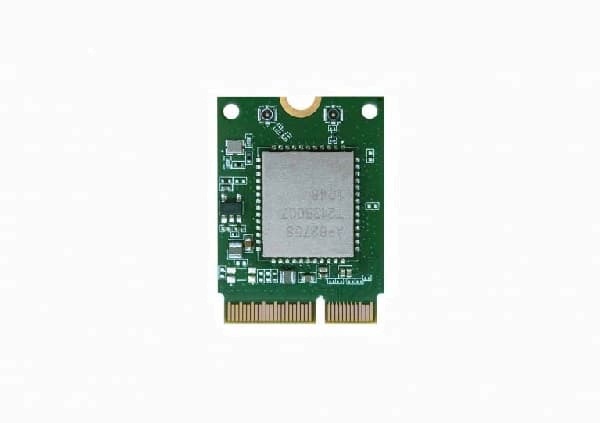
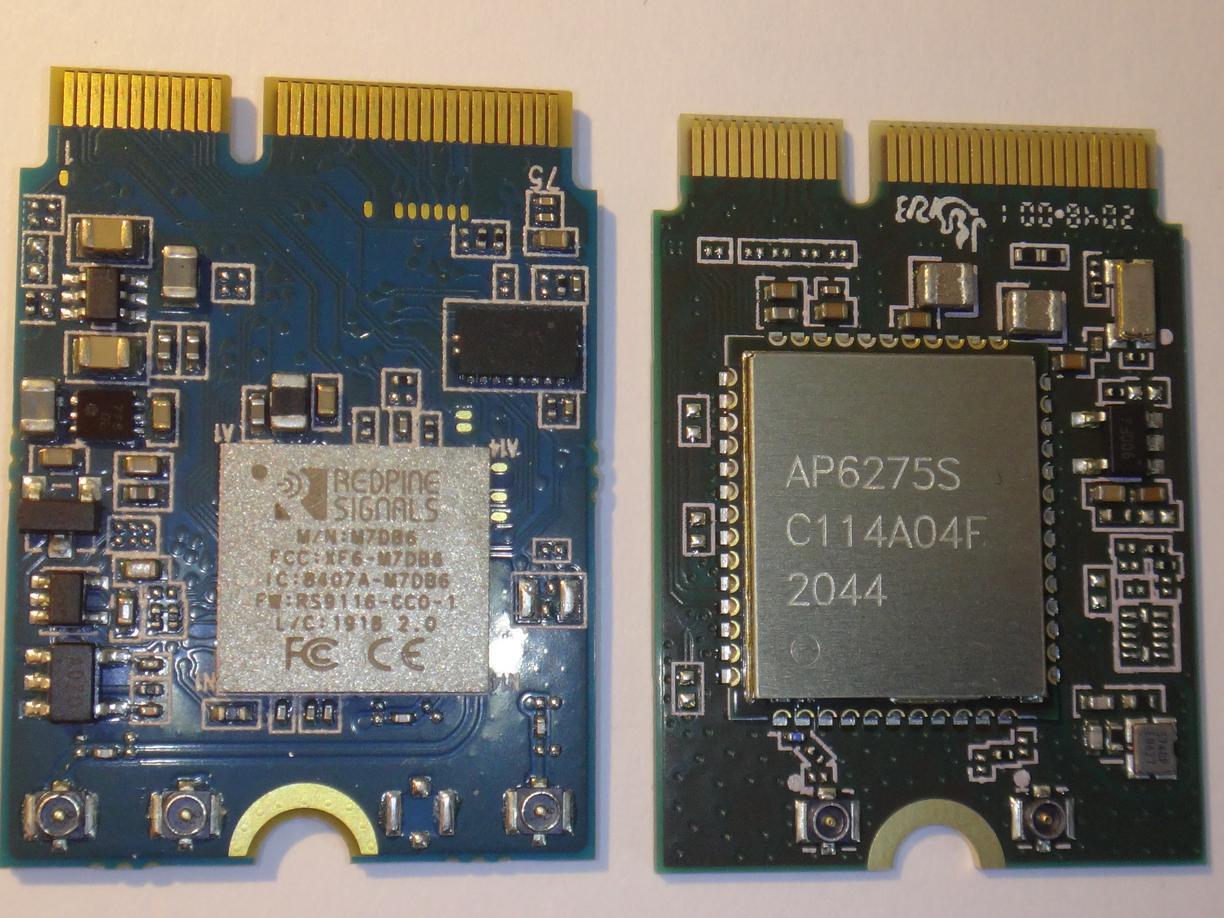
My #Librem5 had been delivered with a Redpine RS9116 M.2 Key E card for #Bluetooth and #Wifi.
I already owned two devices I wanted to use with my Librem5:
- a bluetooth mouse to be used alongside with my nexdock360
- a high quality noise canceling bluetooth headset I use for phone calls and sometimes to listen to music
Both didn't work well: the mouse wouldn't connect (Bluetooth LE only) and the headset connection was unreliable with a lot of stutter.
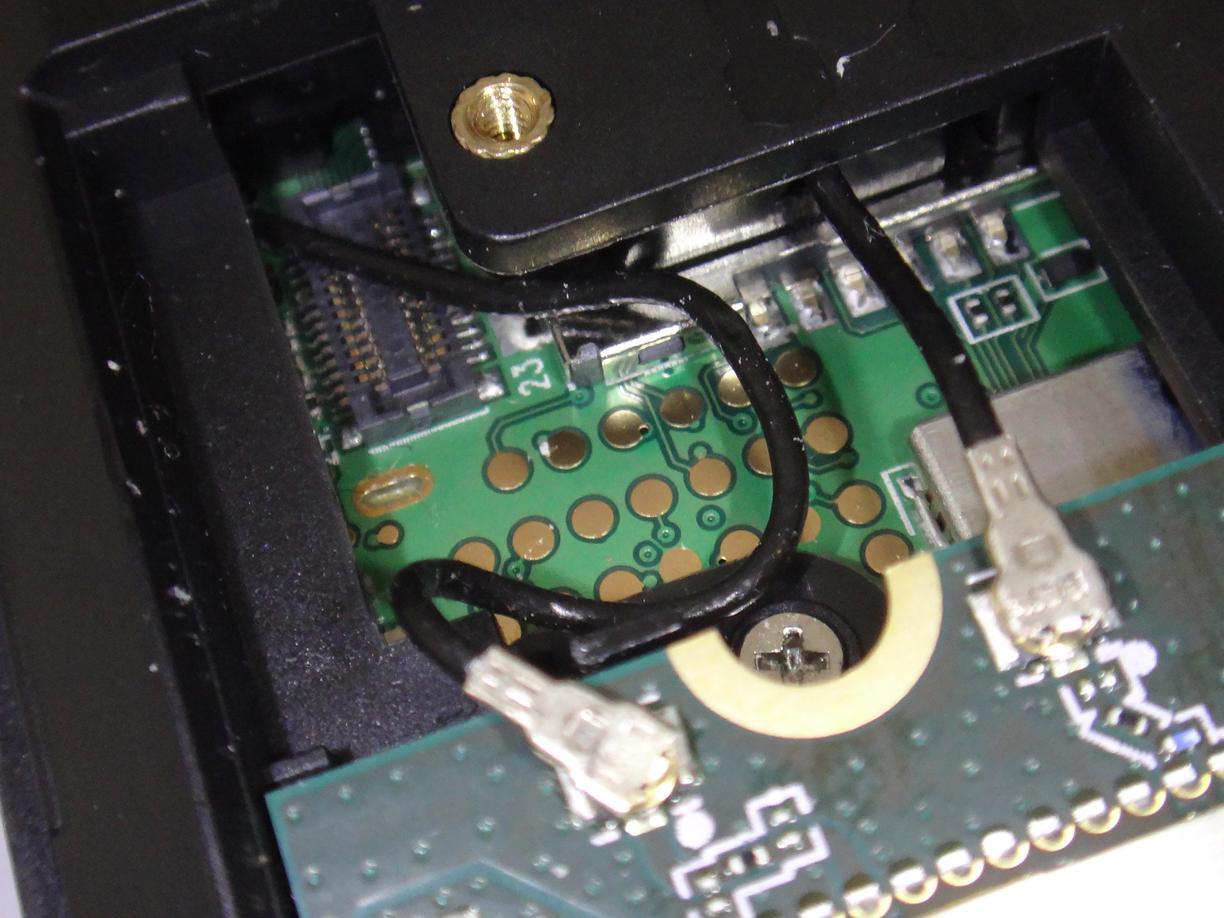
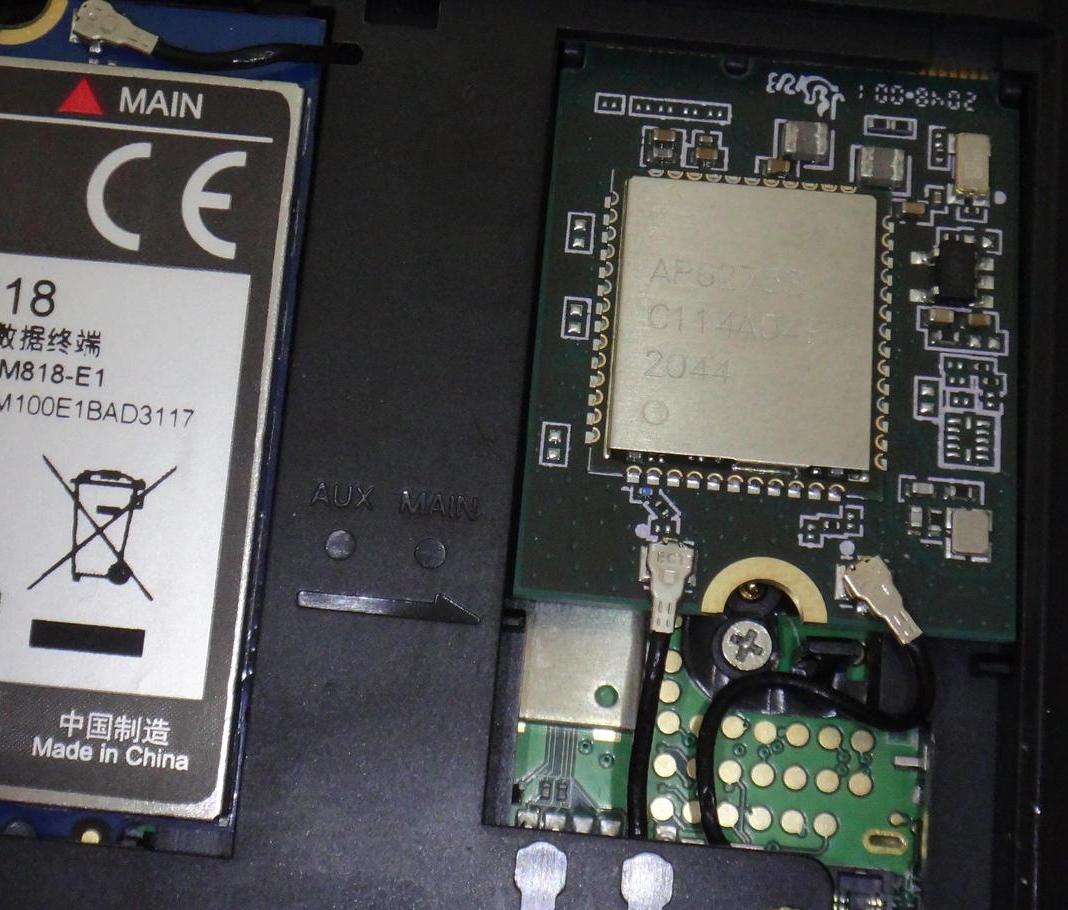
In newer Librem5s the SparkLAN WNFB-266AXI card is used for Bluetooth/Wifi. I exchanged the card to find out whether this would improve the situation and it did.
Both devices connect now, most of the stutter while listening to music is gone, the headset works for calls (but unusable due to bad quality) and my mouse connects and works fine.
@purism@librem.one wrote a blog post about the new card and made it available on their shop.
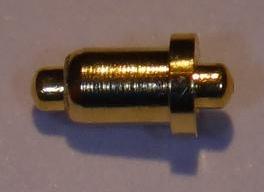
P.D. If ever a small golden pin falls out of your Librem5 after you opened it read this forum post.
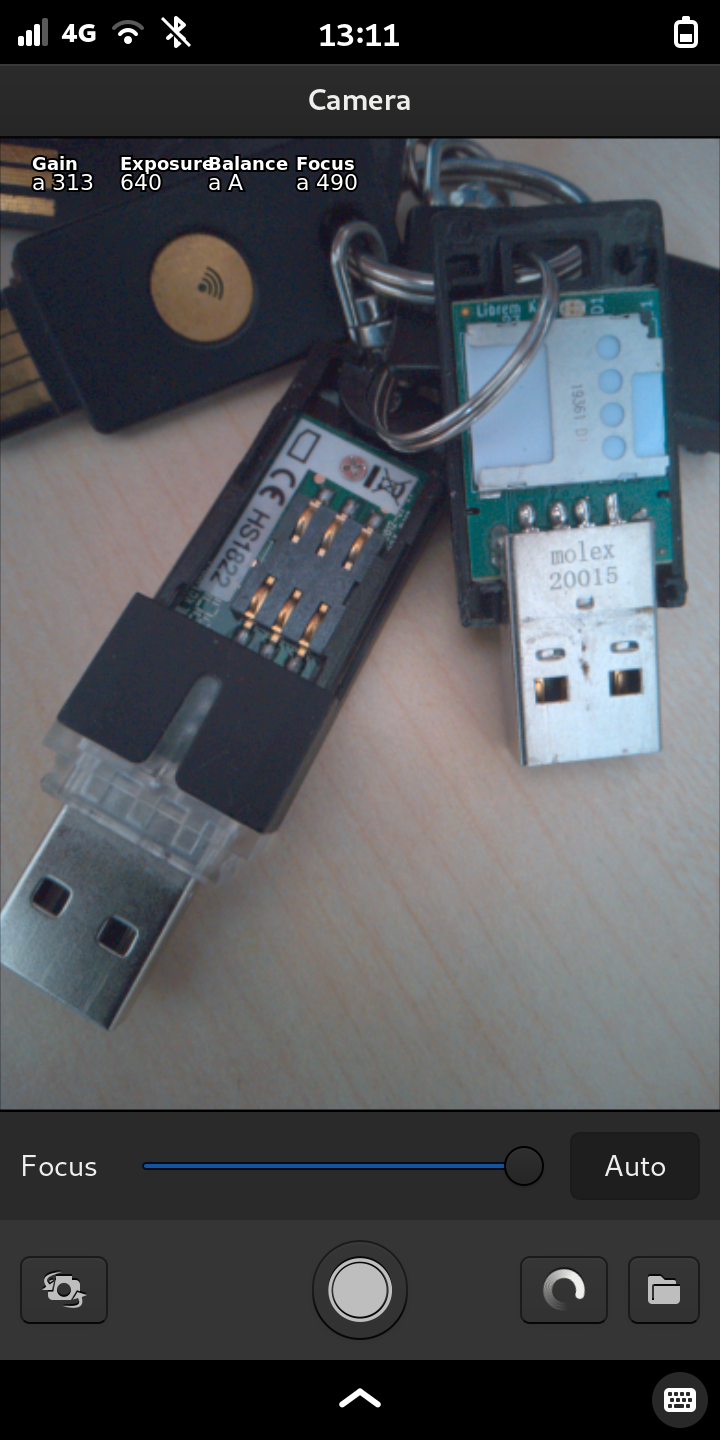
A picture shot of a modern keychain to show an usb-smartcard-adapter and the #LibremKey containing an OpenPGP smartcard.
#ShotOnLibrem5 with an alpha version of #millipixels that offers autofocus, but triggers some bug that does break saving of pictures.
Good luck that librem5-goodies containing a screenshot script is installed to save the picture.
"Physical cut-off switch for the microphone. Thank you Edward Snowden."
Who wrote this?
Could have been by @purism@librem.one about the #Librem5. Not the solution.
[DE] #1EngelUnd4Bengel - Guten Morgen!
[DE] #1EngelUnd4Bengel - Guten Morgen!
5:55 Aufstehen
Frühstück, Anziehen helfen, Rucksäcke mit 2. Frühstück vorbereiten, Küche wieder aufräumen, Fahrten zu Kindergärten und Schulen mit dem Fahrrad.
9:17 Am Schreibtisch
¡ Rare Diseases Run 2023 - RUN FOR RARE.  ! [DE] & [EN]
¡ Rare Diseases Run 2023 - RUN FOR RARE. ! [DE] & [EN]
28.02. - 05.03.2023 Rare Diseases Run 2023
[DE] Die virtuelle Laufveranstaltung macht auf seltene Erkrankungen wie z.B. das #Angelman Syndrom aufmerksam und sammelt Spenden für Organisation die Betroffene wie meine Tochter - der Engel von #1EngelUnd4Bengel - unterstützen und die Forschung im Bereich der jeweiligen Erkrankung fördern.
[EN] The virtual running event raises awareness for rare diseases like the #angelman syndrom and collects donations for organizations offering help to people affected by rare deseases - like my daughter - and supporting research in the field of rare diseases.
RUN FOR RARE. - running, walking, wheelchairing
500 m / 1 km / 2,5 km / 5 km / 10 km / 15 km / ½-marathon / marathon
https://laufenmachtgluecklich.de/laeufe/2023/rare-diseases-run/
@FARBfernsehen@mastodon.social
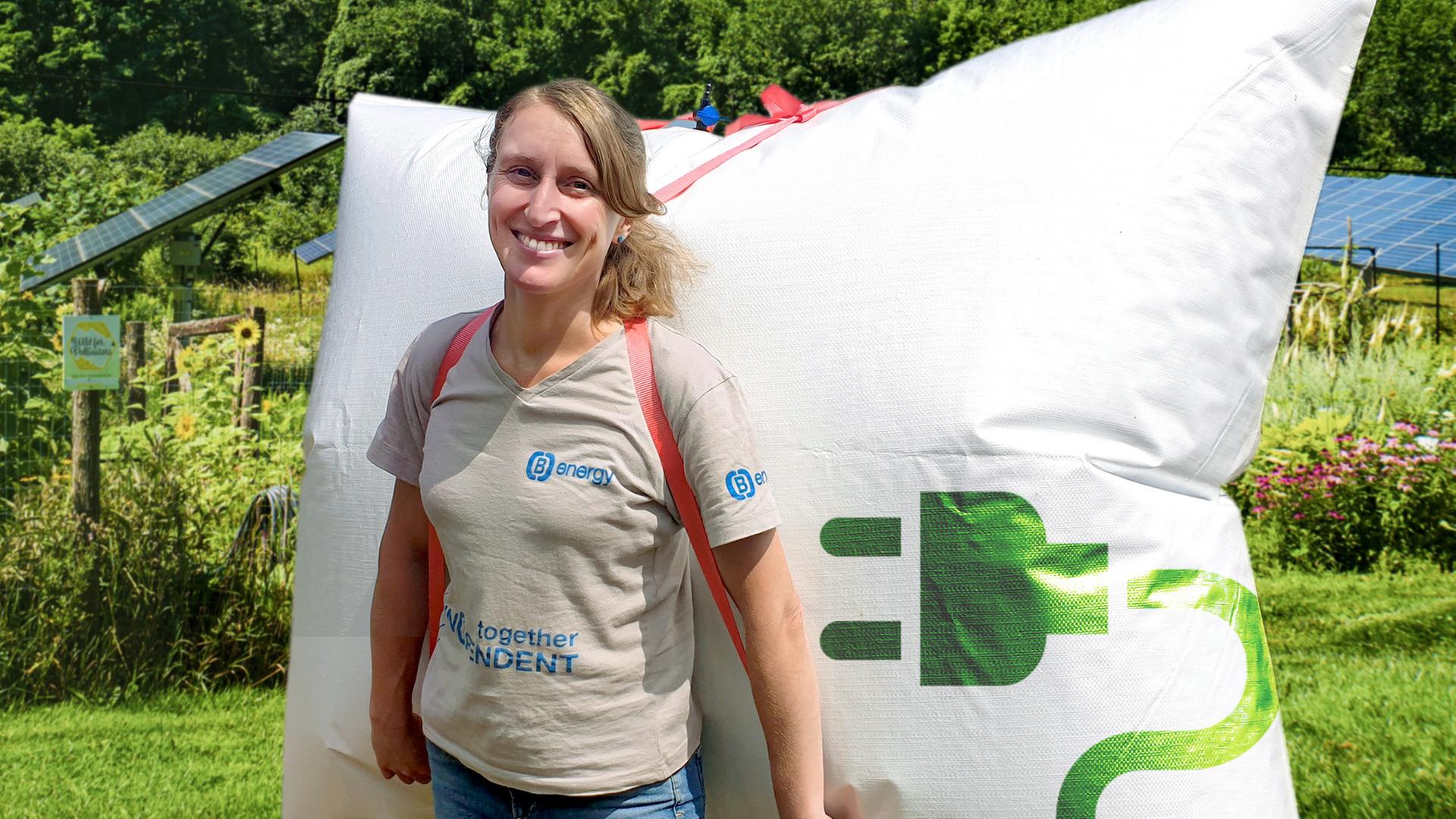
Energie aus dem eigenen Garten mit Windkraft, Erdwärme und Biogas
Dokumentation über kreative Ideen den eigenen Ausstoß von CO₂ durch Selbstversorgung zu senken: Eine Minibiogasanlage im Selbstbau, die aus Küchenabfällen Gas zum Kochen erzeugt und Häuser die sich mit der Sonne drehen sind nur zwei Beispiele der interessanten Konzepte.
Video verfügbar: bis 30.01.2025 ∙ 20:00 Uhr https://www.ardmediathek.de/video/Y3JpZDovL2hyLW9ubGluZS8xOTI3NTE
 Chris Vogel shared 3 years ago
What does it mean to frame collective knowledge as patterns, and what does it mean to draw vector spaces and statistical distributions of social behaviours? http://nooscope.ai

Danke @glsbank@ruhr.social ! Ich zitiere:
Die Standart-Einstellungen sehen die 2. Faktor Authenifizierung alle 90 Tage sowie bei Überweisungen, bei denen der Betrag 30 € überschreitet vor.
Grundlage hierfür sind die PSD2-Richtlinien.
Hier finden Sie weitere Informationen dazu:
Außerdem habe ich die Einstellungen Ihres Onlinebankings wie gewünscht angepasst.
Die 2-Faktor Authenifizierung habe ich sowohl bei der Anmeldung im Onlinebanking als auch für Überweisungen in jeder Höhe aktiviert.
Das bin ich von meinen bisherigen Banken nicht gewohnt! Danke für den guten Service!

Brief vom Netzbetreiber, bzw. Messstellenbetreiber: Ich bekomme gesetzlich verordnet eine "Moderne Messeinrichtung" für 20€/Jahr.
Mein alter, auch schon digitaler Zähler ist per #fhem angebunden und ich kann den Verbrauch nach den Zeiträumen, die ich benötige auswerten und nachträglich anhand der Logfiles nachvollziehen.
Der neue, kostenpflichtige Zähler, bietet mir jetzt eine Kommunikationsschnittstelle, an der ich den Durchschnittsverbrauch pro Tag/Woche/Jahr auslesen kann.
Außerdem gibt es keine Informationen, ob der Zähler weiterhin per Infrarot auslebar ist.
Ich zahle mehr, die Steuerung von Warmwasser/Heizung abhängig von der aktuellen Photovoltaikleistung ist nach Tausch evtl. kaputt. Kein Mehrwert, nur Aufwand.